Basic 3D model
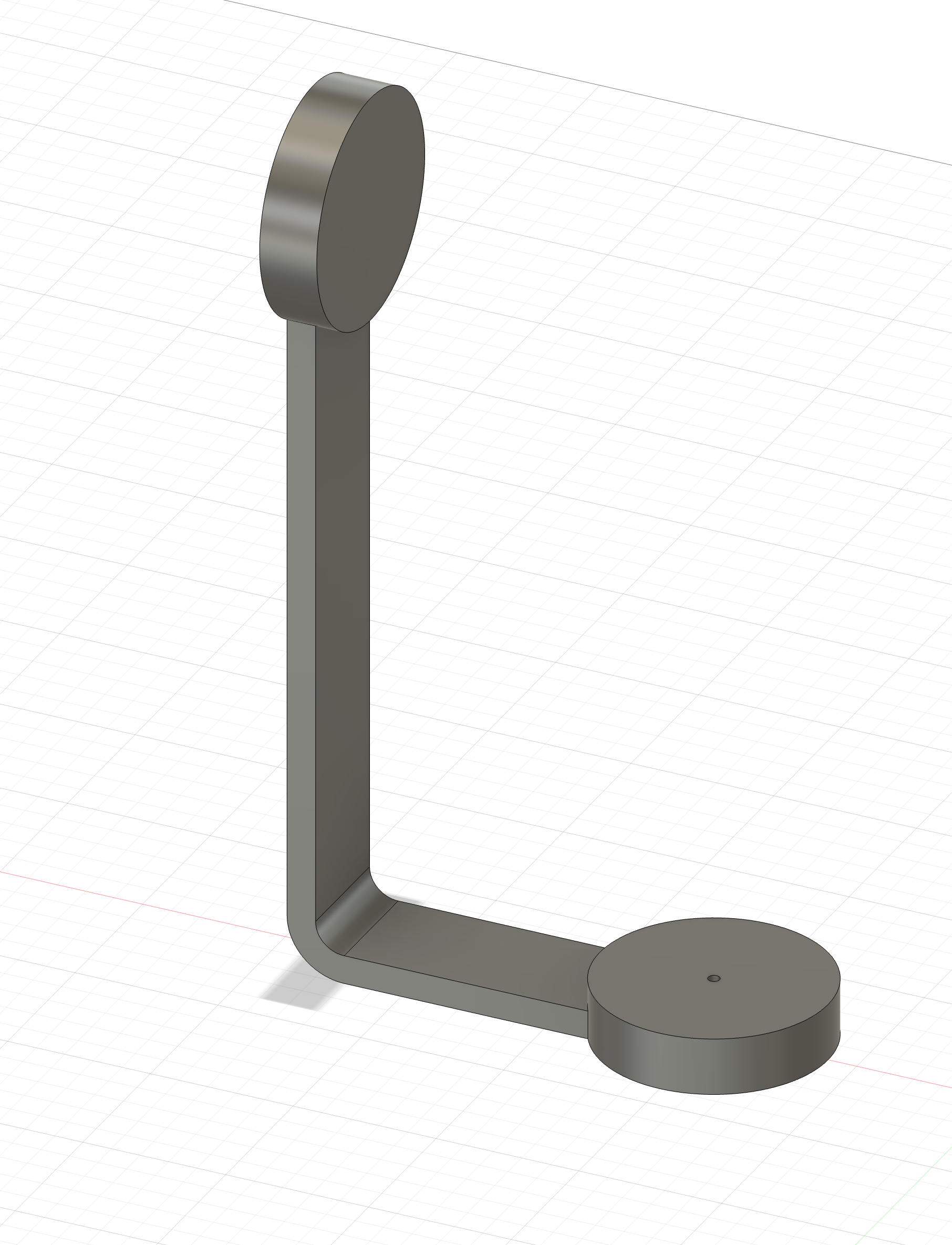
We will design two 3D models in Fusion 360 for our project: a rocket for our "pointer" and a bracket that will hold the rocket and the rest of the components. You can find the CAD files here. The end results will look like this:
Rocket
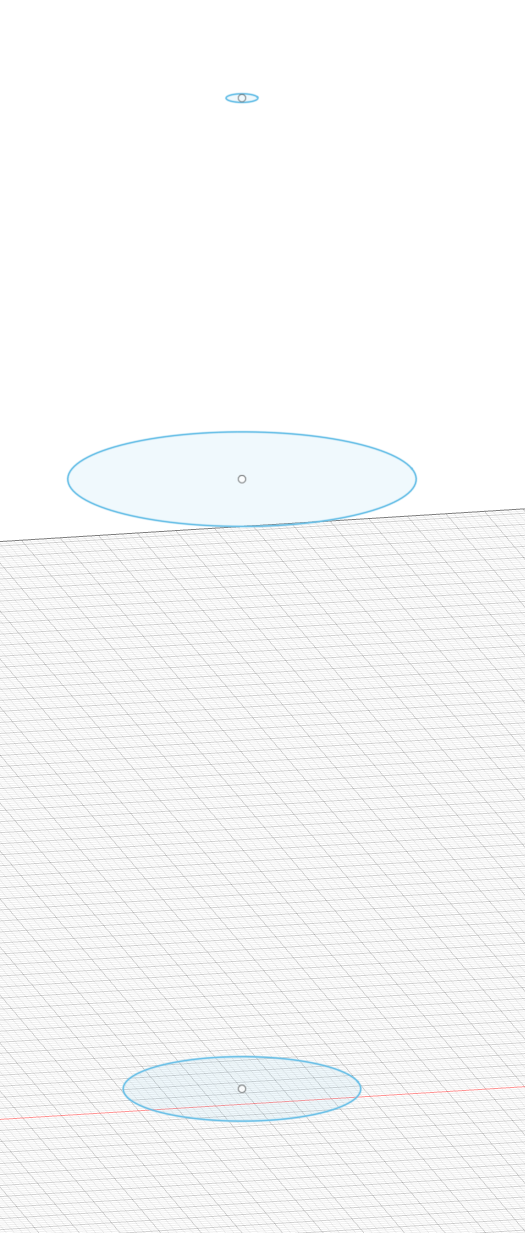
To create our rocket, we will first have to select a plane on which to build it. I chose the xy-plane. Then we will create a new sketch with a circle, which will form the base of our rocket. After that, we'll construct two offset planes with the appropriate dimensions for the middle and tip of our rocket. On those planes, create circles with the desired thickness of the rocket.
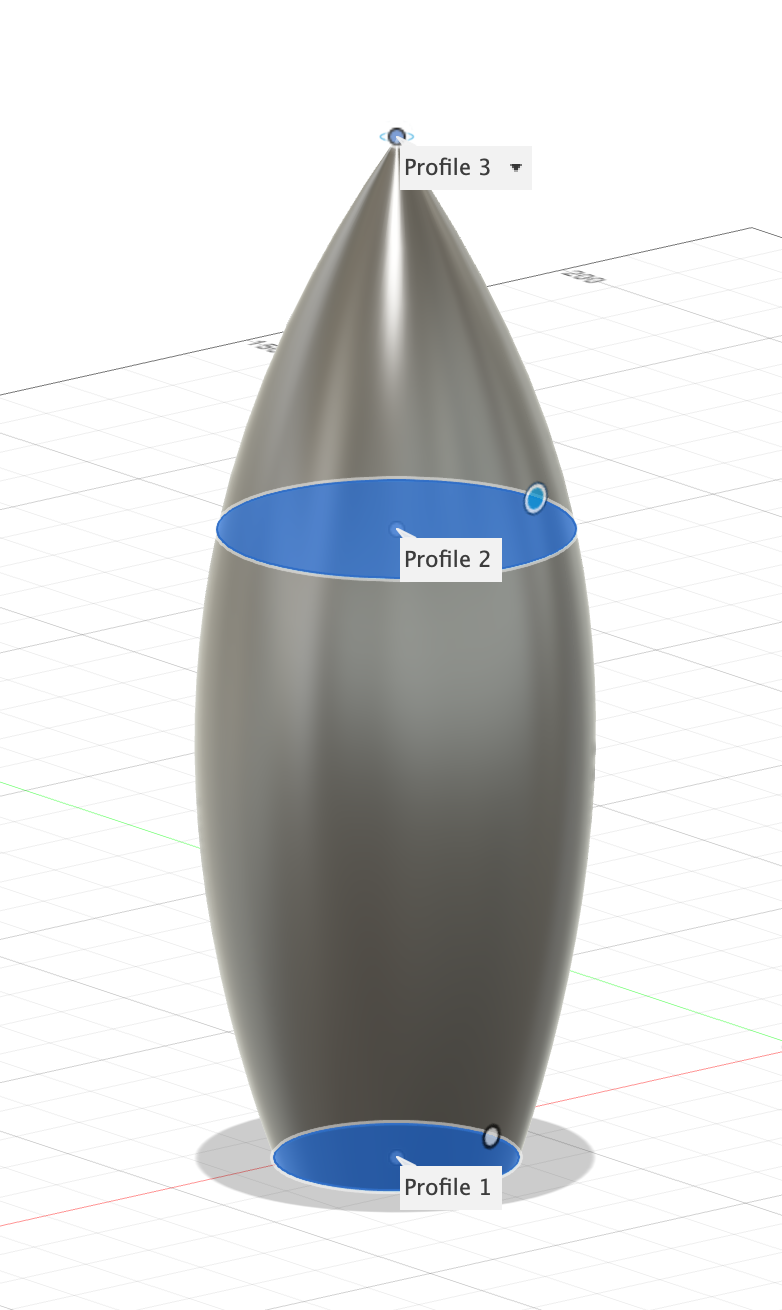
Now we can create a loft with the circles as profiles, which will already give us the rough shape of a rocket.
To create anchor points for our thrusters, we will have to do another sketch using lines and fit point splines. After extruding the part, we can utilize the same techniques we used for our rocket body to create a thruster.
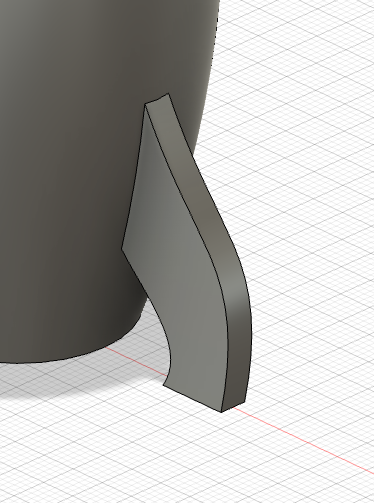
Then we will use fillets to smooth out the edges.
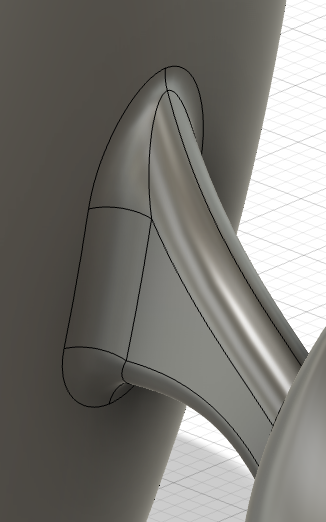
Using the "create circular pattern" feature, we can duplicate our thruster.
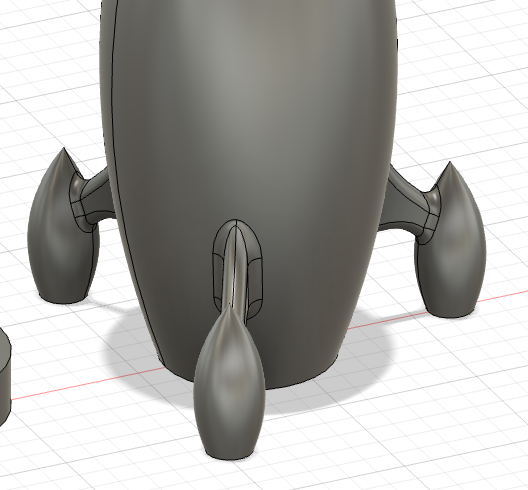
Of course, every rocket needs a window. By now, we already know everything to create one.
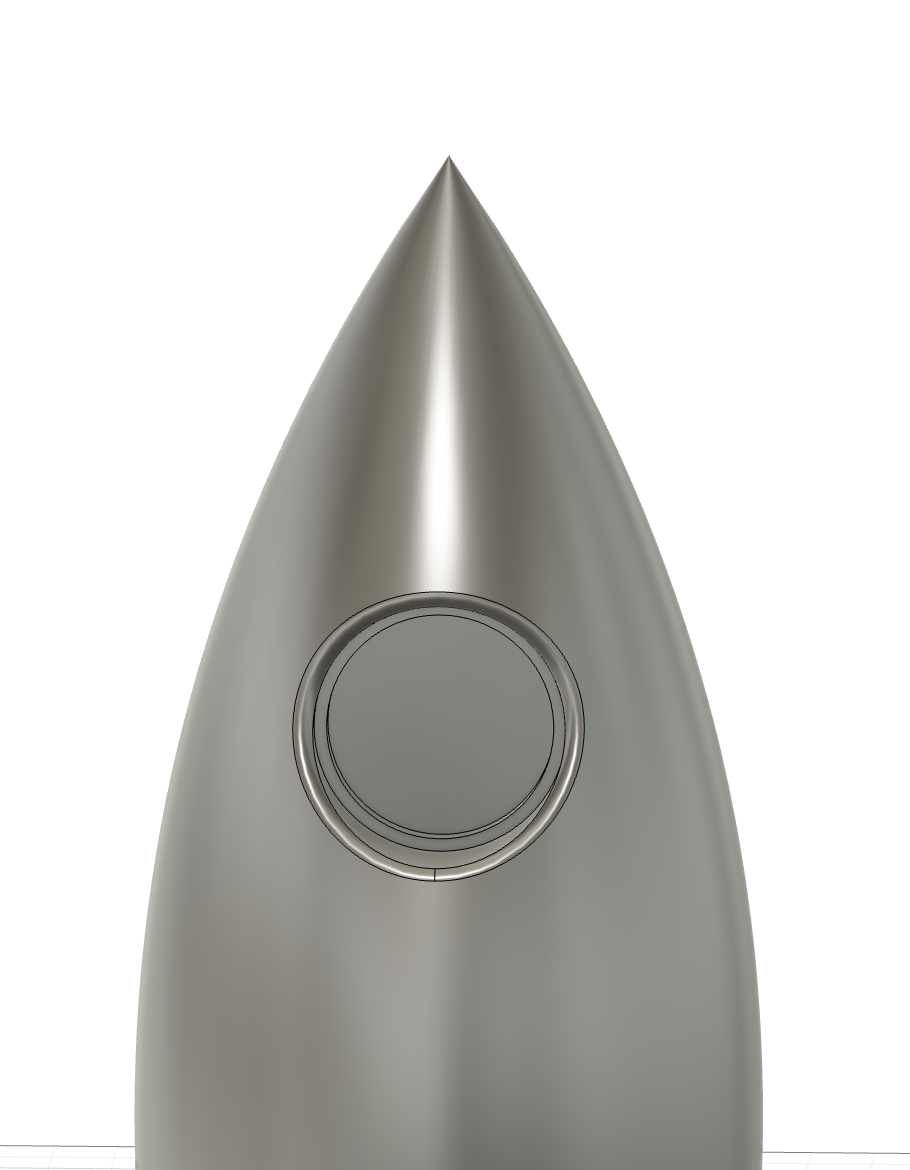
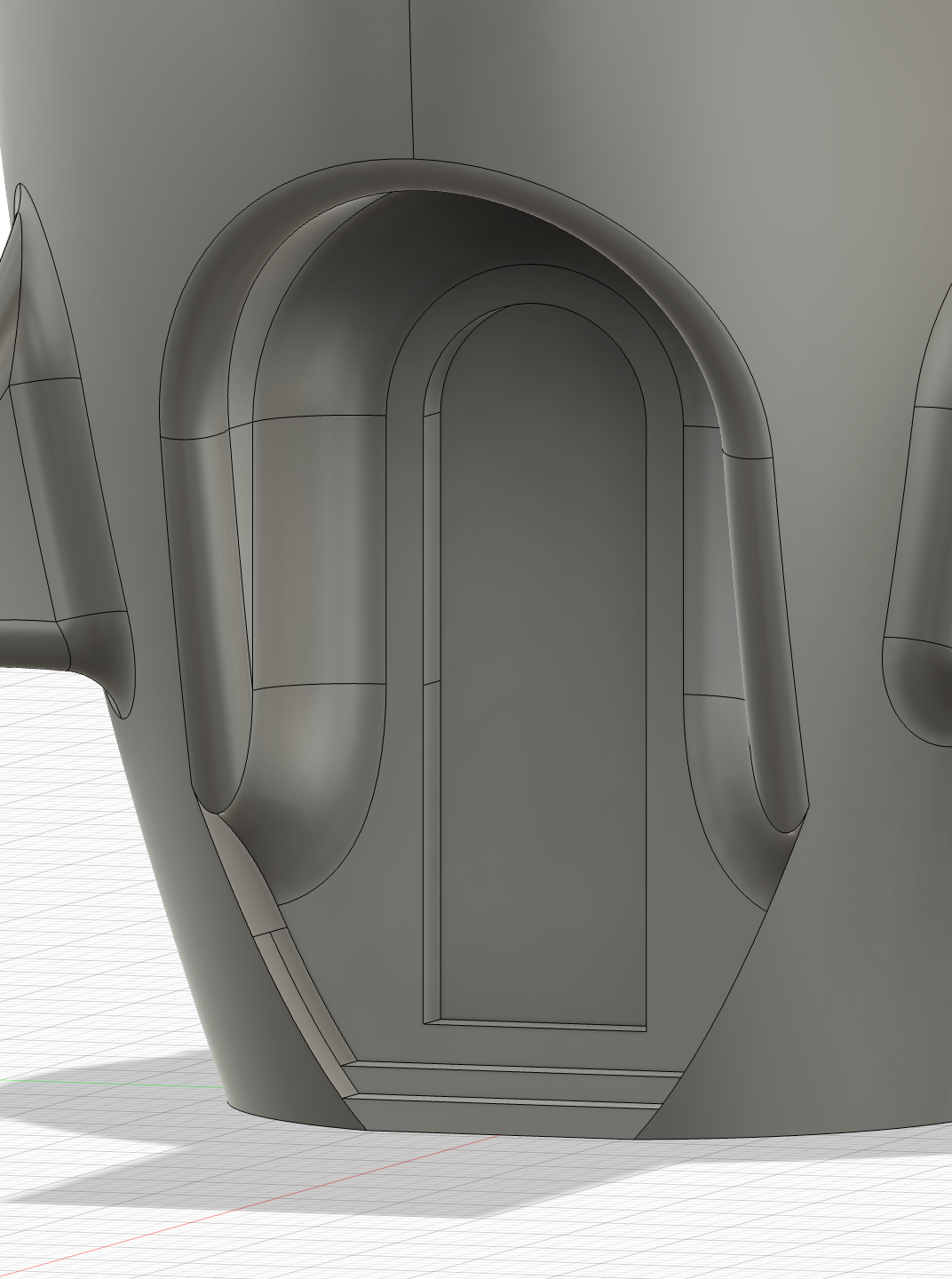
Naturally, we will also need a door to get inside the rocket. To do this, two new techniques will be needed: "project" and "offset." With those techniques, we can create an entrance in our door that is offset from the outer frame of the door.
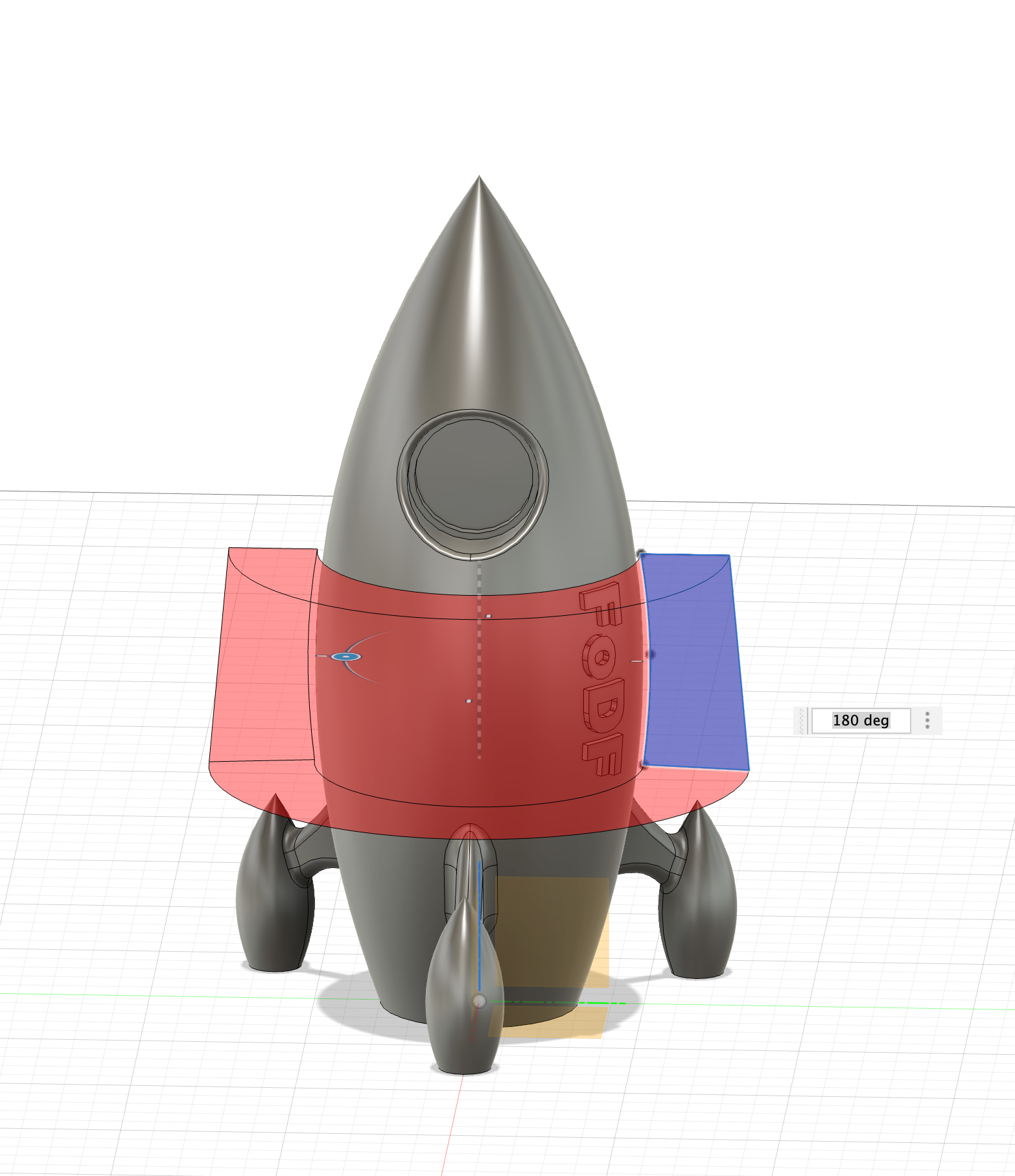
I also want some lettering on my rocket. For that, we will create another sketch on an offset plane and extrude those letters onto our rocket. To get the lettering to follow the outline of the rocket, we create another sketch that traces the outline of the rocket with a slight offset. Now we can use "revolve with cut" on that sketch and get our text nice and clean.
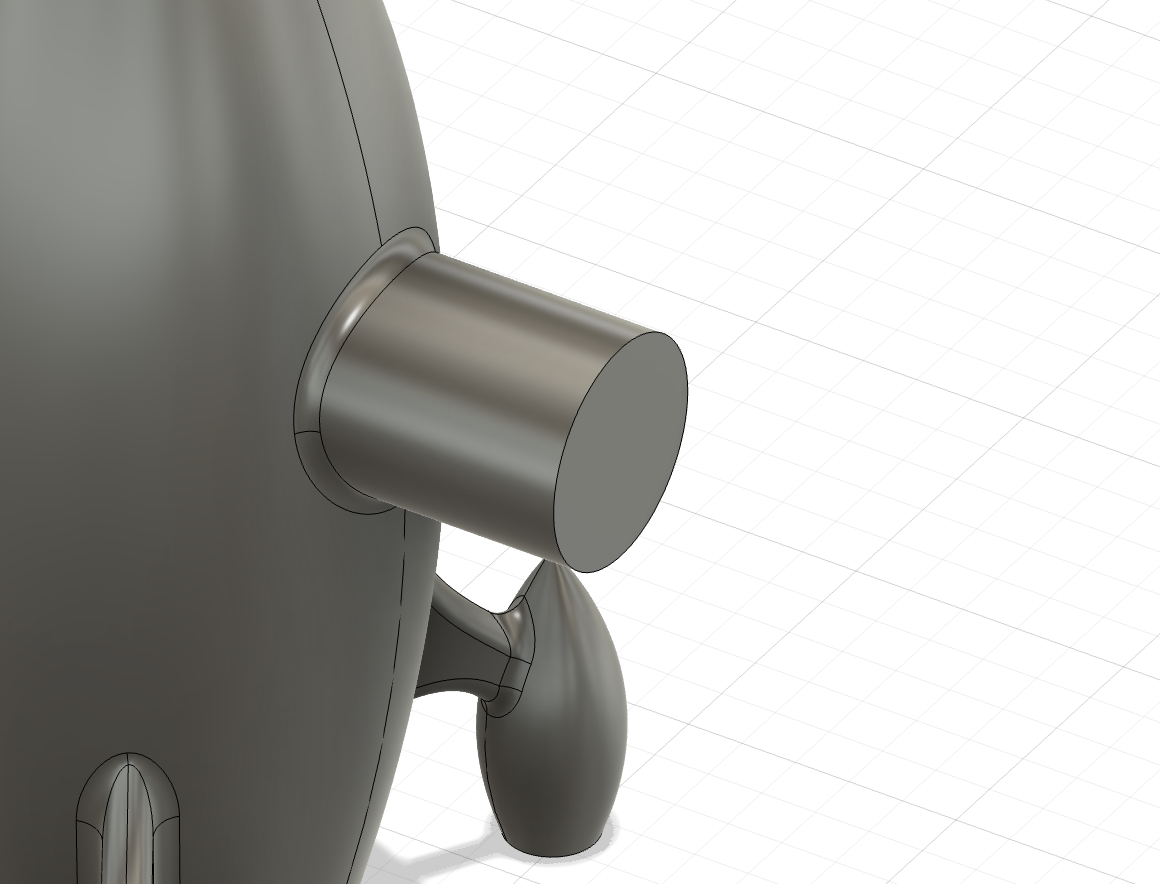
The last thing we need is an anchor point to attach our rocket to the bracket we will create afterward. We already know everything to create this part.
Bracket
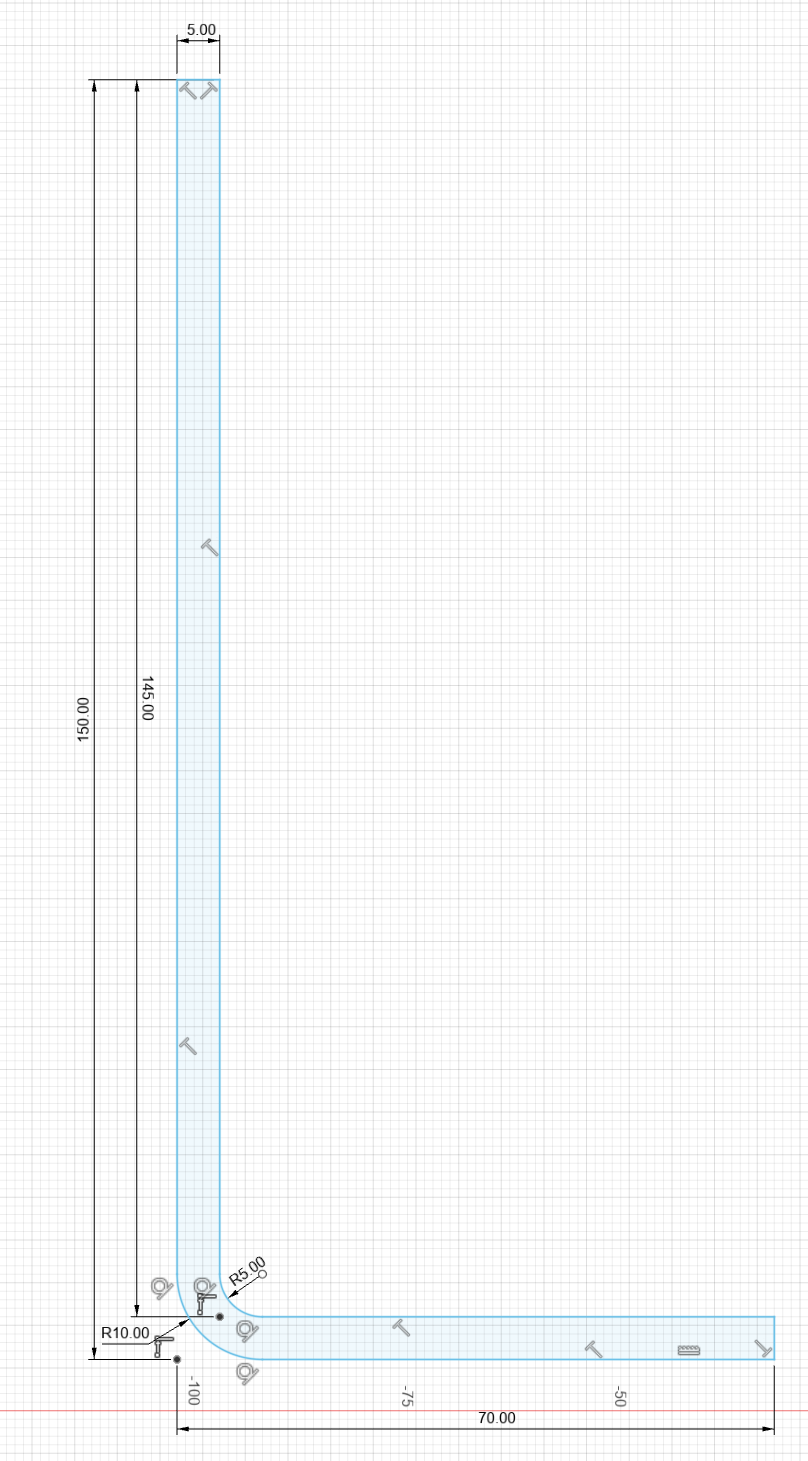
For the bracket we will simply create a sketch, extrude it, create two cylinders and then join those parts together.